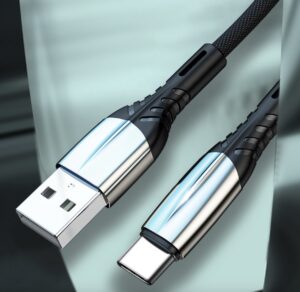
When clients ask me how to pick the right USB-C cable, I often say it’s not just about price. It’s about what your clients truly value — quality, compatibility, and reliability.
To choose the right USB-C cable for business clients, first identify their needs — whether they value quality, speed, price, or design — and then match the cable type and supplier accordingly.
When I started working with different clients, I noticed that brand owners cared about quality and design, while wholesalers were more price-driven. So I learned to evaluate suppliers based on performance tests, certifications, and consistency before finalizing any order. The key is to align the cable’s function and quality with your client’s business goals.
USB-C vs Lightning vs Micro-USB: Which Cable Type Fits Your Product Line?
Choosing the wrong connector type can cost you both money and market share. I learned this the hard way when I ordered Micro-USB cables for a market already dominated by USB-C devices.
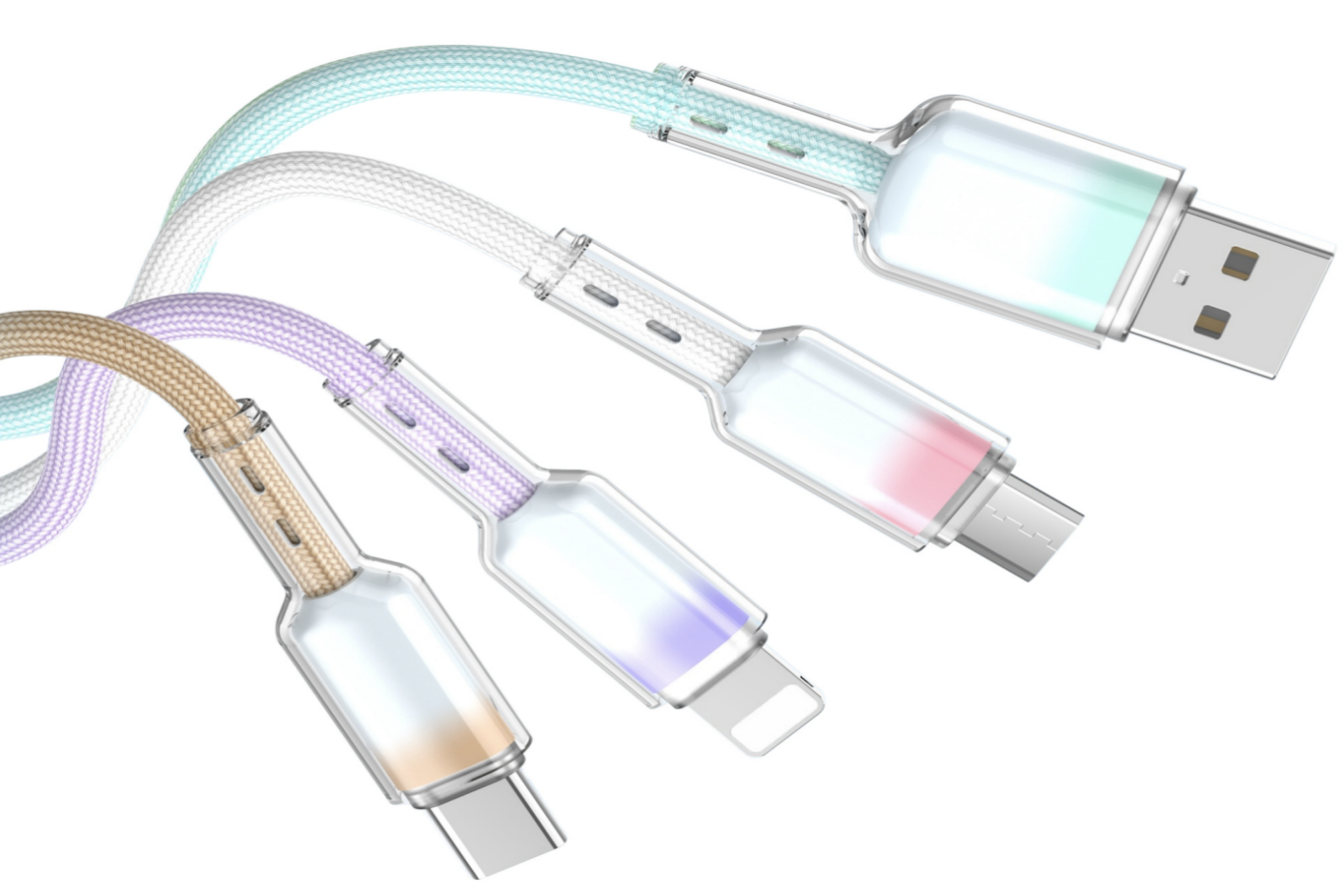
USB-C is the most future-proof option, while Lightning and Micro-USB serve older devices. USB-C supports faster charging and broader compatibility for both phones and laptops.
Understanding Each Connector Type
| Type | Compatibility | Speed | Power Delivery | Current Market Use |
|---|---|---|---|---|
| USB-C | Android, iPhone 15, laptops | High | Up to 240W (PD 3.11) | Mainstream |
| Lightning | Older Apple devices | Medium | Limited | Declining |
| Micro-USB | Low-end devices | Low | Low | Obsolete |
USB-C is now used across most mobile phones, tablets, and laptops. Lightning remains in older Apple devices, while Micro-USB has become outdated. From a supplier’s view, investing in USB-C production lines ensures better future demand. For clients upgrading their product lines, USB-C is the safest and smartest choice.
Top 5 Mistakes Importers Make When Sourcing USB Cables from China
I’ve seen many importers lose time and money because of the same mistakes — mostly due to focusing too much on price and too little on quality control.
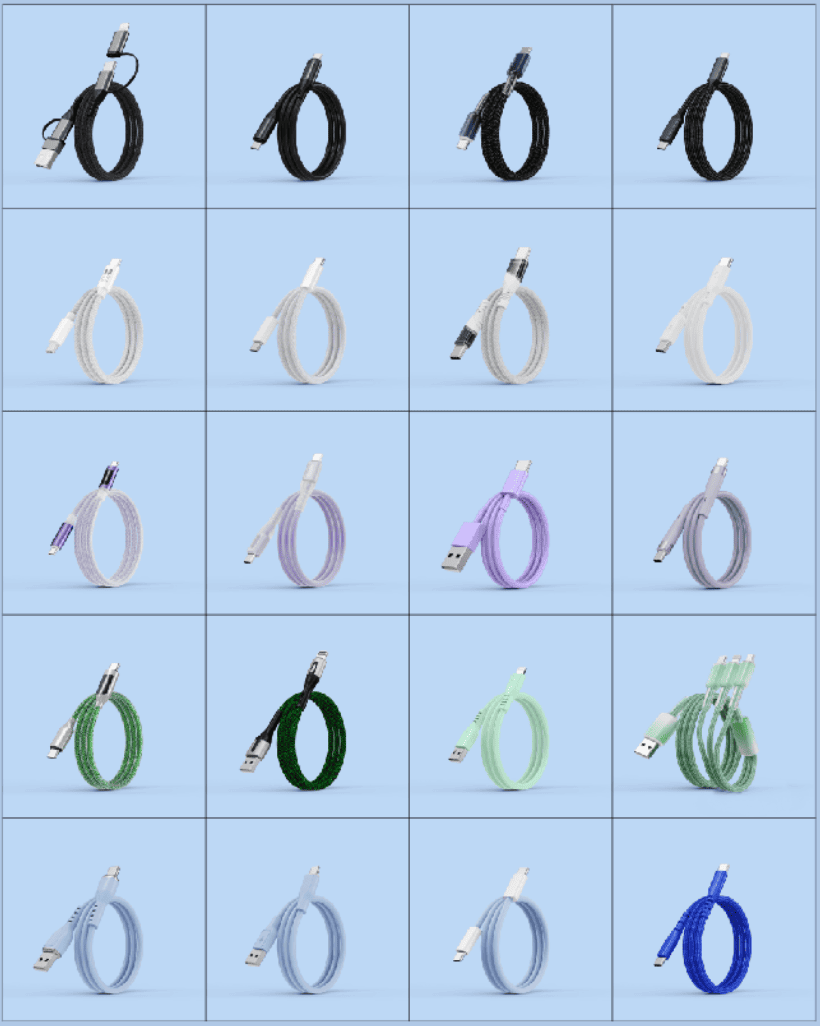
The biggest sourcing mistakes include chasing low prices, ignoring certifications, skipping inspections, and working with unqualified suppliers.
Avoiding Common Pitfalls
| Mistake | Consequence | Solution |
|---|---|---|
| Only chasing low prices | Poor material, cable failures | Balance cost with quality |
| No pre-shipment inspection | Hidden defects, returns | Implement strict QC checks |
| Working with non-licensed exporters | Customs issues | Verify export qualifications |
| Ignoring test reports | Certification gaps | Request CE, FCC, or RoHS reports |
| Relying on verbal promises | Miscommunication | Confirm all specs in writing |
When sourcing from China, I always recommend buyers to look beyond the quote sheet. A slightly higher unit price from a reliable supplier often means fewer complaints, faster approvals, and fewer delays. A trusted OEM/ODM manufacturer with ISO and BSCI certifications can save a business thousands in hidden costs.
What Is PD 3.1 Fast Charging and Why It Matters for OEM USB Cable Projects?
When I introduced PD 3.1 cables to a European client, he was amazed at how much faster and more efficient charging became for laptops and tablets.
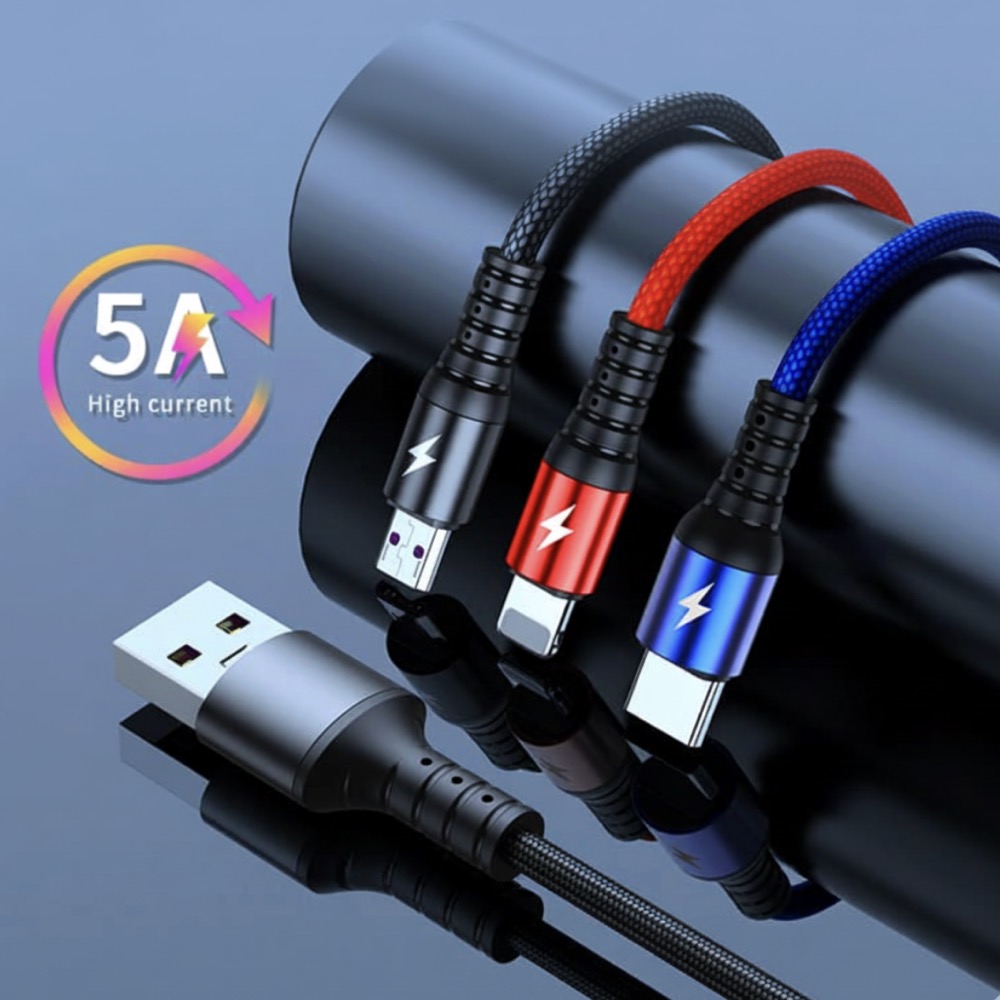
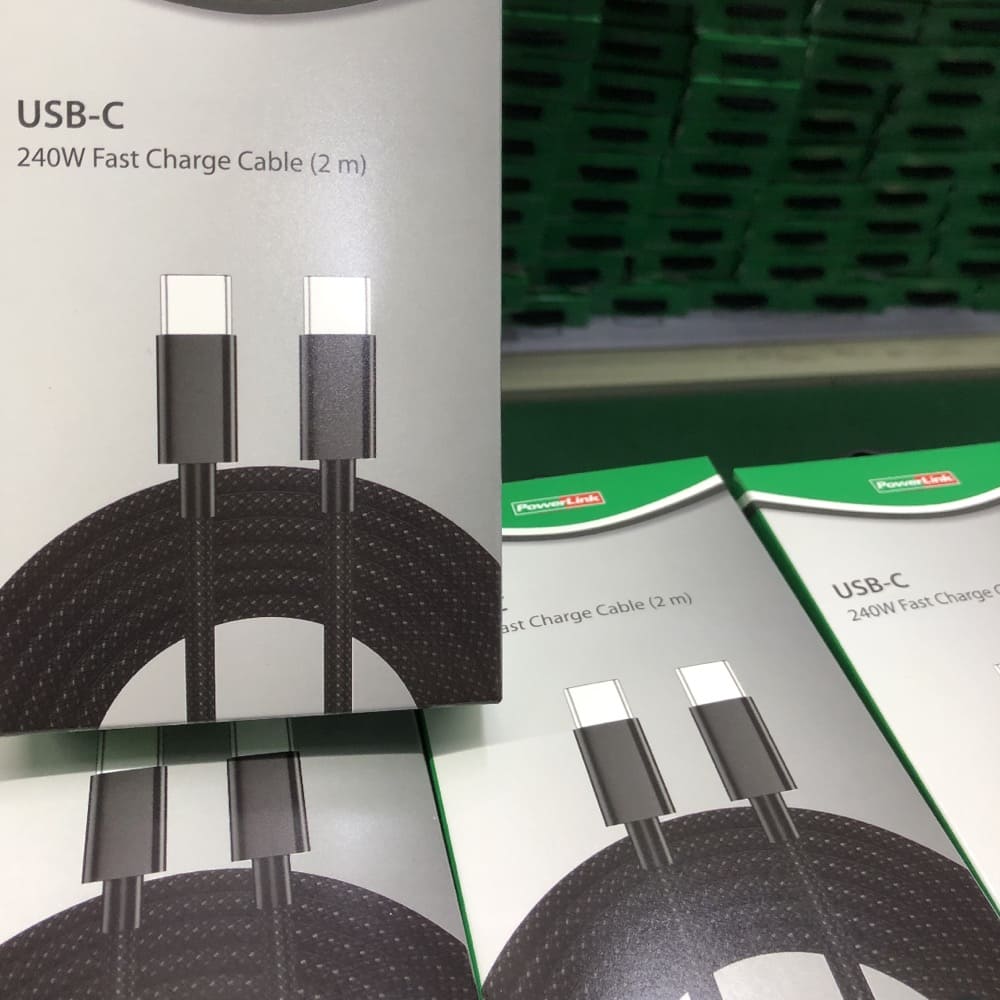
PD 3.1 supports up to 240W charging, ideal for laptops and high-power devices. It requires a 5A cable and an E-marker chip for safety and stability.
Technical Insights into PD 3.1
| PD Version | Max Power | Voltage Levels | Ideal Devices |
|---|---|---|---|
| PD 3.0 | 100W | 5V–20V | Smartphones, tablets |
| PD 3.1 | 240W | 28V, 36V, 48V | Laptops, monitors |
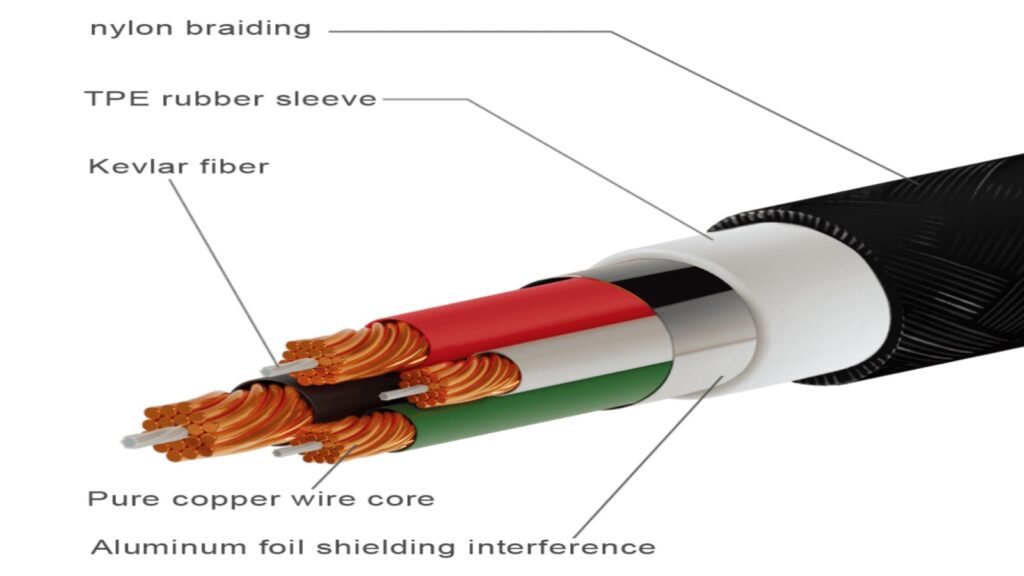
PD 3.1 is an evolution from PD 3.0, built for higher power applications. For a cable to handle 240W, it must use high-purity copper conductors and include a certified E-marker chip. These cables are more expensive, but they elevate a brand’s image and performance level. That’s why many brand owners now prefer OEM or ODM PD 3.1 cable projects — it helps them position their products as premium, future-ready options in the market.
OEM & ODM USB Cable Manufacturing: From Concept to Mass Production
Many clients ask me what the process looks like from idea to final shipment. The truth is, each step matters — from design sketches to sample approval.
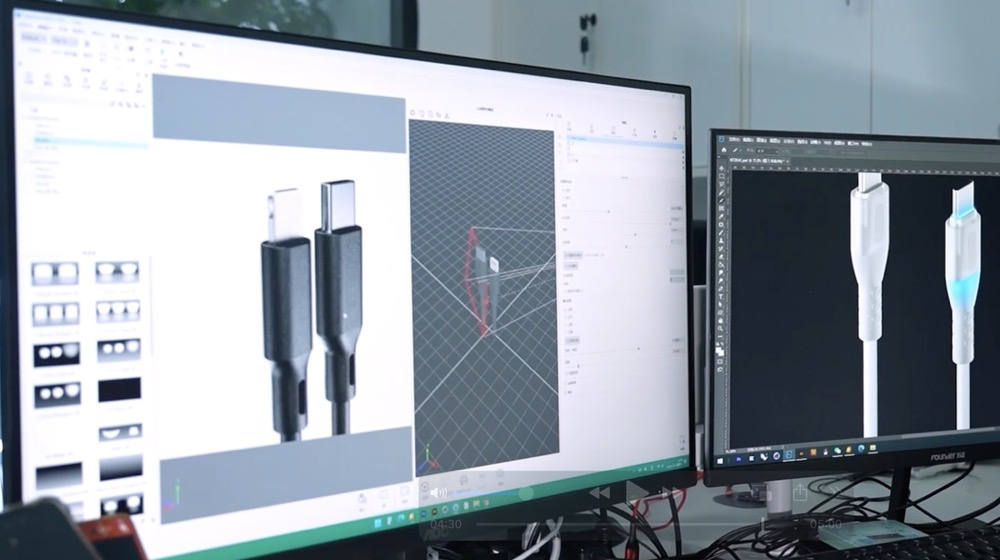
The OEM/ODM cable process includes design consultation, prototype development, testing, certification, and mass production, ensuring quality and brand alignment.
Step-by-Step Process
| Stage | Description | Key Focus |
|---|---|---|
| Concept | Discuss target market and specs | Brand positioning |
| Design | Create structure and color plan | Aesthetics & function |
| Prototype | Make and test samples | Performance & safety |
| Certification | Apply for CE/FCC/ETL | Compliance |
| Mass Production | Launch final batch | Consistency & delivery |
In my experience, communication during the early stages is critical. Many problems, like delays or reworks, come from unclear specifications. By setting clear requirements on design, structure, and testing from the beginning, both sides can ensure smooth mass production and avoid unnecessary losses. The right OEM/ODM partner acts as both a supplier and consultant — helping clients turn product ideas into reliable, scalable business assets.
Conclusion
Choosing the right USB-C cable means understanding your client’s needs, avoiding sourcing traps, and partnering with a reliable OEM/ODM manufacturer for long-term success.
Find out how PD 3.1 fast charging can enhance device performance and customer satisfaction. ↩