Slow charge kills time and trust. Extra heat harms batteries. I learned this in lab tests and in real after-sales. The fix starts with the charger, the cable, and the setup.
Charging speed and safety depend on charger power and protocol match, cable current capacity and materials, and built-in protections. Environment, outlets, and phone state also matter. Use pure-copper cables and verify protections.
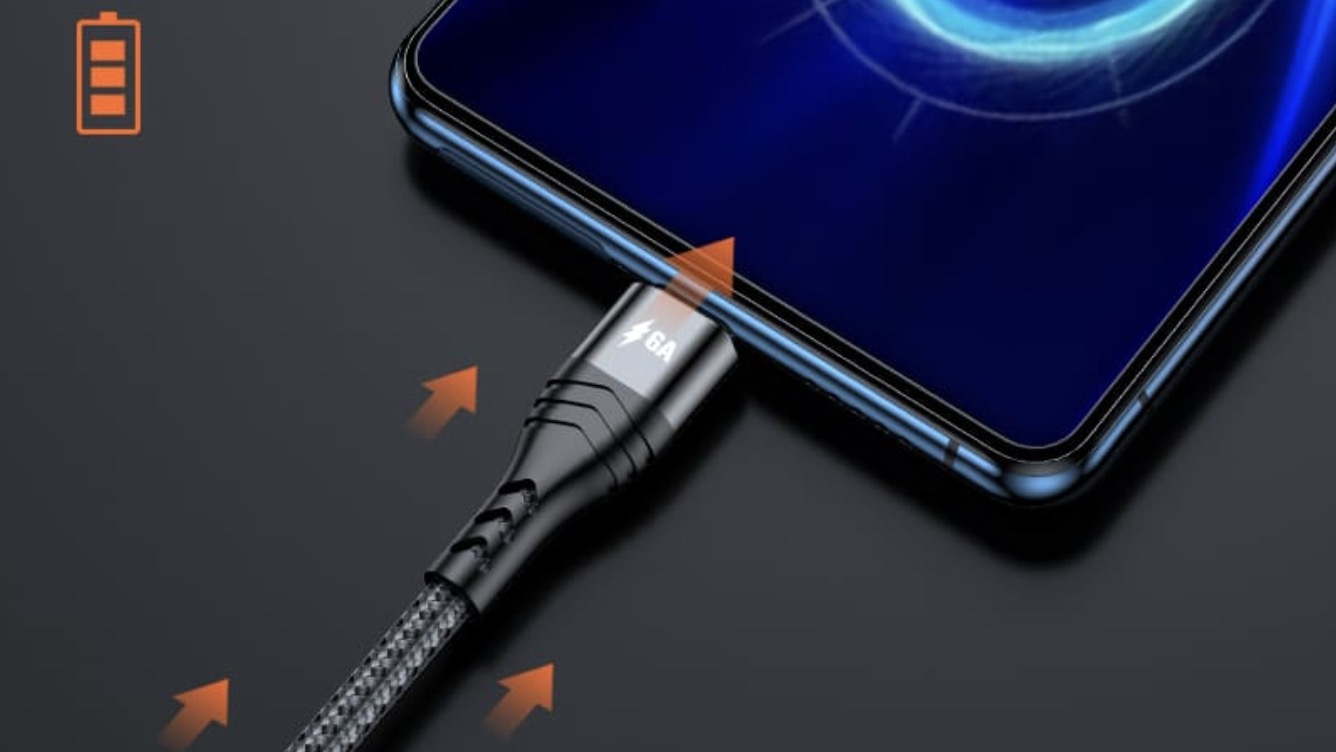
I like a simple picture. The charger is a faucet. The cable is a hose. The battery is a water tank. If any part is narrow, flow slows. If pressure spikes, parts fail. I will show each factor that changes flow and how I test it.
Do charger power and protocols match the phone’s needs?
A strong battery cannot drink fast without the right handshake. I once blamed a phone. The real issue was a non‑PPS charger with a Samsung. Logs told the story.
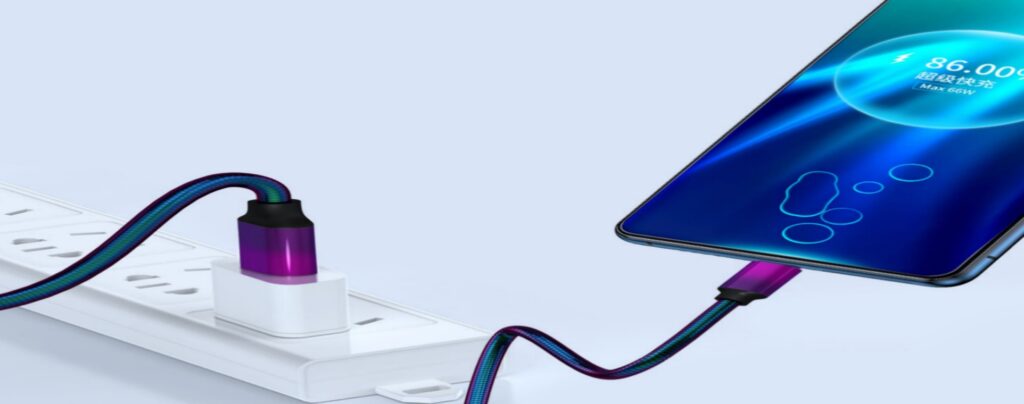
Pick a charger with enough watts and the right fast-charge protocol. Use USB PD for iPhone1 and most Android. Add PPS for Samsung2. For legacy gear, keep QC on USB-A.
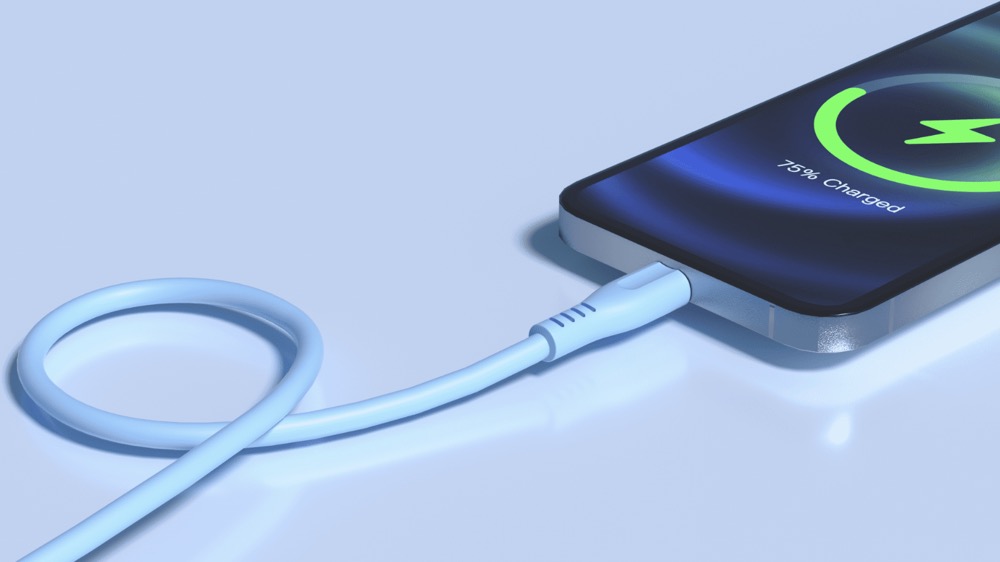
Power and protocol basics
- Wattage sets the ceiling. Protocols allow the phone to climb to that ceiling.
- Without a match, charging falls back to 5V slow mode.
- USB PD 3.0 suits most phones and tablets. PD 3.1 adds higher steps for laptops.
- PPS lets the charger adjust voltage smoothly. Samsung uses it for 25–45W.
Quick pairing table
| Device | Good Wattage | Protocol to Confirm | Notes |
|---|---|---|---|
| iPhone 8–15 | 20–30W | PD 3.0 | Real draw 18–27W |
| Samsung S20–S24 | 25–45W | PD + PPS | PPS is key |
| iPad/Android tablets | 30–45W | PD 3.0 | Stable |
| Ultrabook | 65W | PD 3.0/3.1 | EPR for some |
| Legacy Android | 18W | QC 3.0 (A-port) | Old models |
Buyer note
I check per‑port split tables, not just “Max 65W.” I confirm foldback under dual load3. Clear labels prevent returns and disputes.
How much does the cable limit speed and safety?
A faucet cannot push more water through a thin hose. I have seen 100W chargers stuck at 30–40W because the cable capped current. The meter proved it.
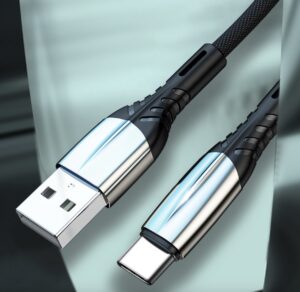
Use 5A E‑marker USB‑C cables4 for 100–240W. Use 3A cables for 60W and under. Choose pure‑copper conductors. Avoid copper‑clad aluminum. CCA runs hot, wastes power, and can damage ports.
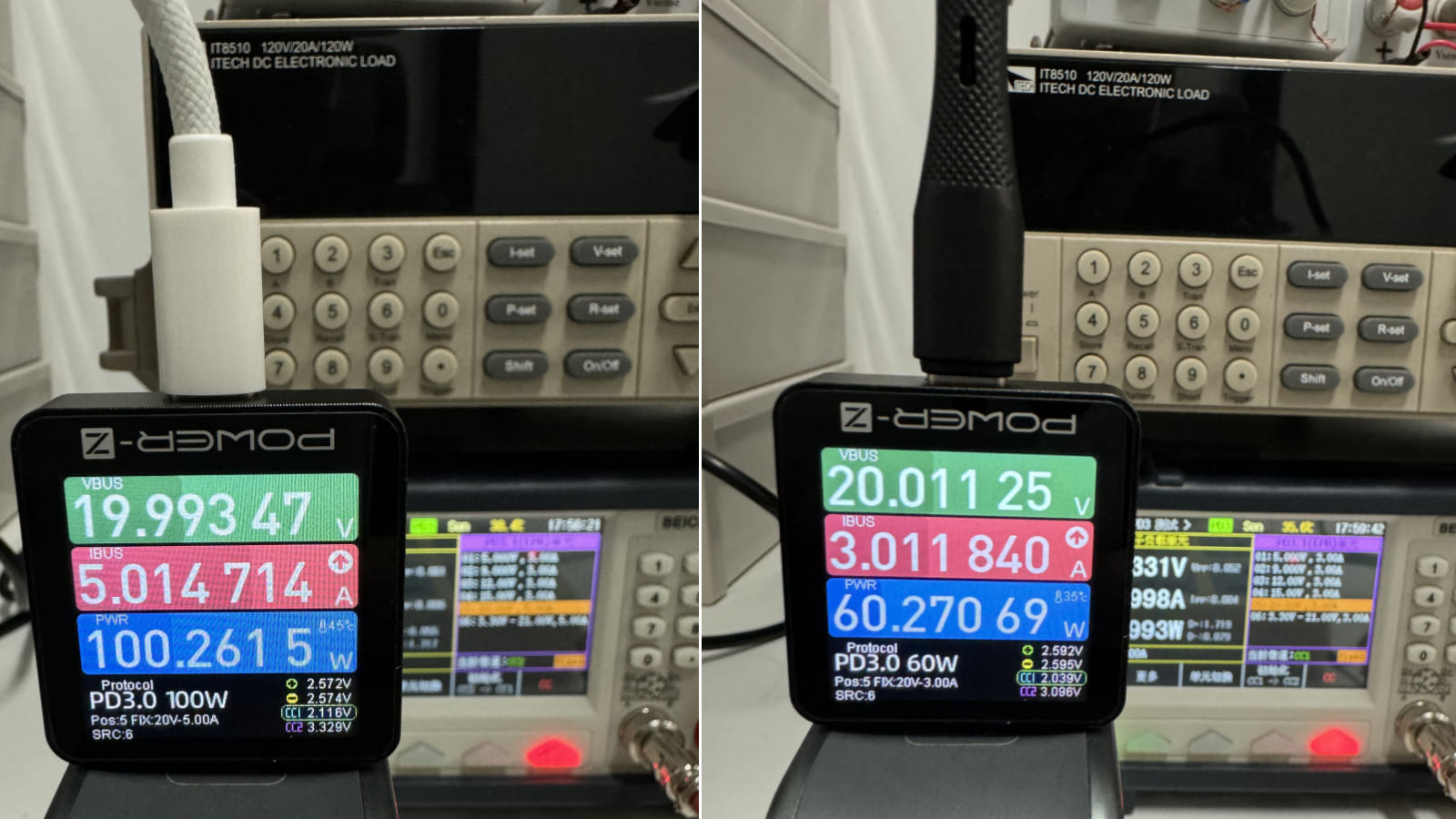
Current and E‑marker rules
- 3A cables support up to 60W (20V×3A).
- 5A cables with an E‑marker support 100–240W under PD 3.1.
- The E‑marker tells the charger it is safe to push 5A. Without it, power caps at 3A.
Copper vs CCA
- Pure copper has low resistance. It stays cooler. Voltage holds.
- CCA looks similar but drops more voltage. Heat builds at connectors. Shells can soften. Ports wear faster. Charge slows. Energy is wasted as heat.
| Cable | Rated Current | Inside Chip | Best Use |
|---|---|---|---|
| USB‑C 3A | 3A (60W) | Optional ID | Phones/tablets |
| USB‑C 5A | 5A (100–240W) | E‑marker | Laptops/multi‑port |
| CCA build | Unreliable | Often none | Avoid |
Do proprietary protocols need special chips in both charger and cable?
Yes. Some brands push higher watts with their own rules. Speed drops if one side does not speak the same language. I have seen this many times.
Private fast‑charge needs matching chips and firmware in both the charger and the cable. Without that, charging falls back to PD or even 5V. Test with the real phone, not just a tester.
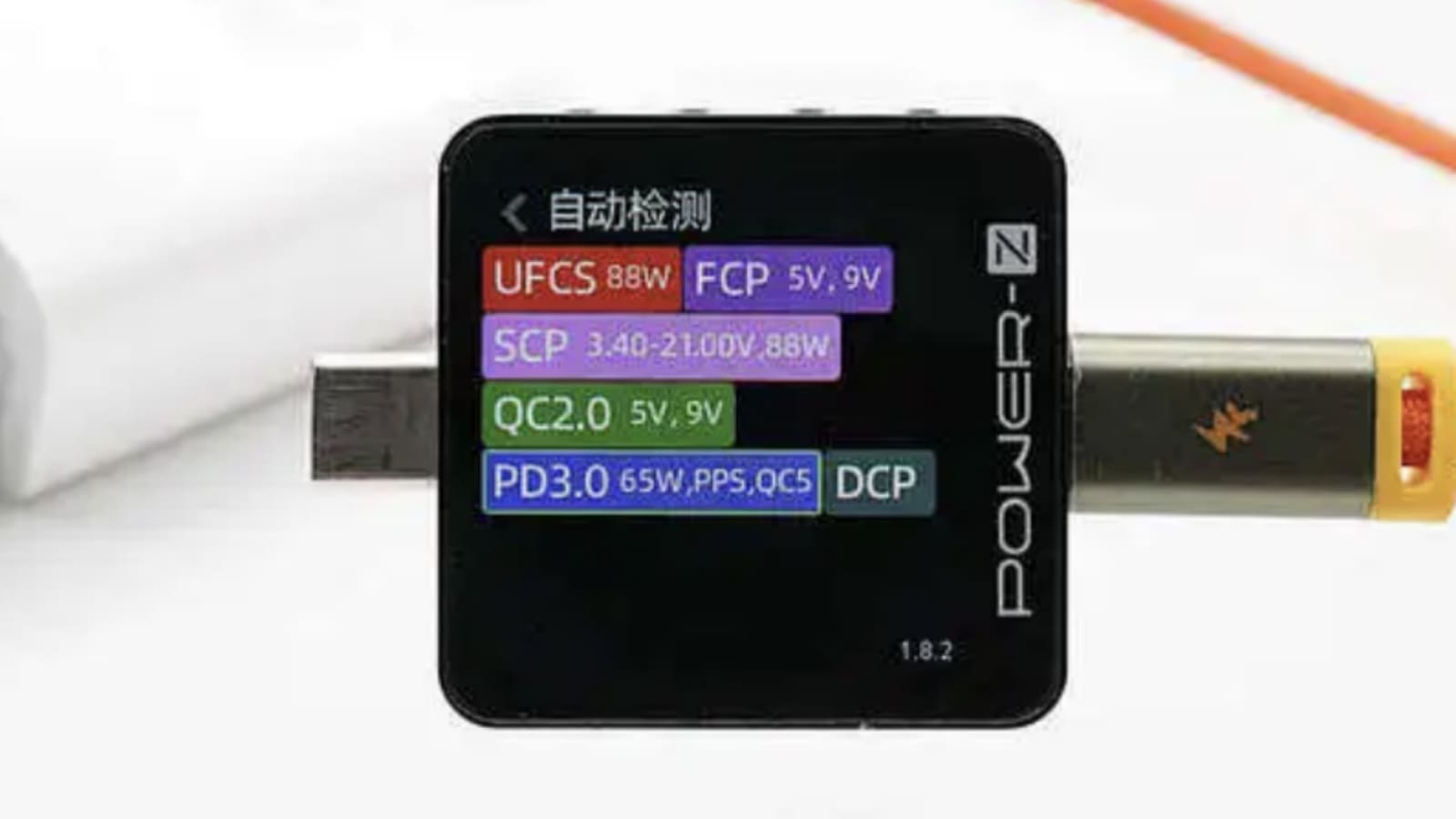
What I check
- Charger controller IC: PD/PPS support and firmware version.
- Cable E‑marker values: 3A or 5A, data rates, vendor ID.
- Real draw test: screen on/off, 30–80% battery, and near 90% where taper starts.
| Protocol | Charger Needs | Cable Needs | If Missing |
|---|---|---|---|
| PD 3.0 | PD controller | Any C cable | 5V/3A fallback possible |
| PD 3.1 EPR | PD EPR + 28/36/48V | 5A E‑marker | Caps at 20V/3A |
| PPS | PPS‑enabled PD | Any C cable | Fixed steps only |
| Brand private | Brand chip/firmware | Brand‑matched cable | Falls to PD/slow |
Which safety features in the charger protect the phone and the user?
Speed is worthless if safety fails. I always open samples and look at parts. This step saved me from bad lots.
Require OCP, OVP, SCP, OTP, and OPP5. Confirm a real fuse, a proper MOV, and a certified Y‑cap. Verify creepage and clearance per IEC 62368‑1 and Hi‑Pot at 3kVac.
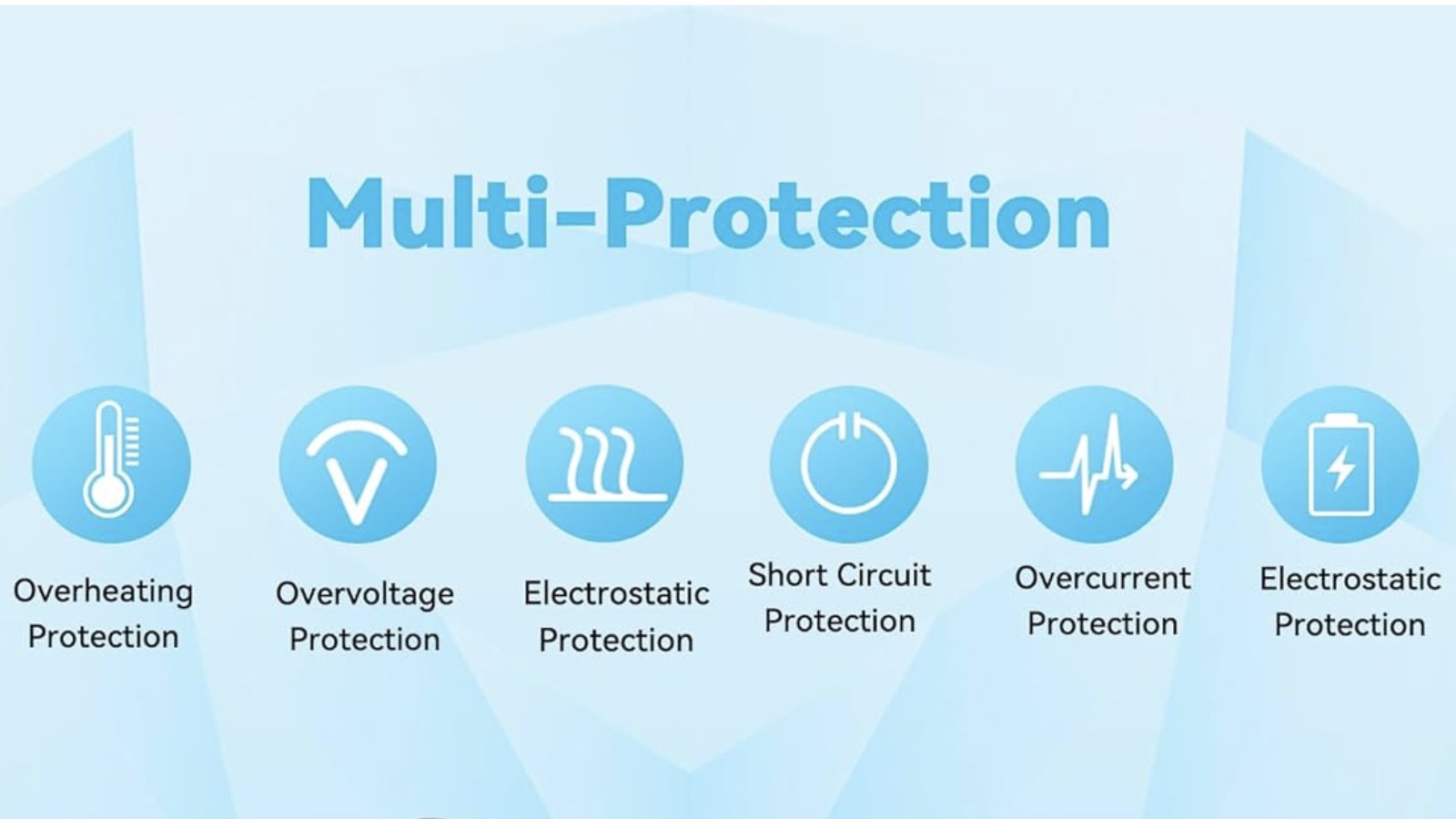
The protection stack I want
- OCP/OPP: limit current and total power. Fold back cleanly.
- OVP/TVS: clamp spikes fast to protect the phone.
- SCP: shut down on short. Restart safely.
- OTP: sense heat and derate or cut output.
| Feature | What I Verify | Why It Matters |
|---|---|---|
| Fuse + MOV | Correct rating | Surge safety |
| Y‑cap class | X/Y certified | Isolation noise + safety |
| Creepage | Clear spacing/slots | No arcing |
| Hi‑Pot | 3kVac pass | Insulation proof |
| Foldback | Stable curve | No oscillation |
Which environment and setup factors slow charging?
Perfect hardware can still feel slow in a bad setup. Heat and poor power paths are the two big enemies. I measure both in every test.
High ambient heat, thick cases, weak sockets, dusty ports, and heavy background use cut speed. Keep the phone cool, use solid outlets, and test with the screen off at mid battery.
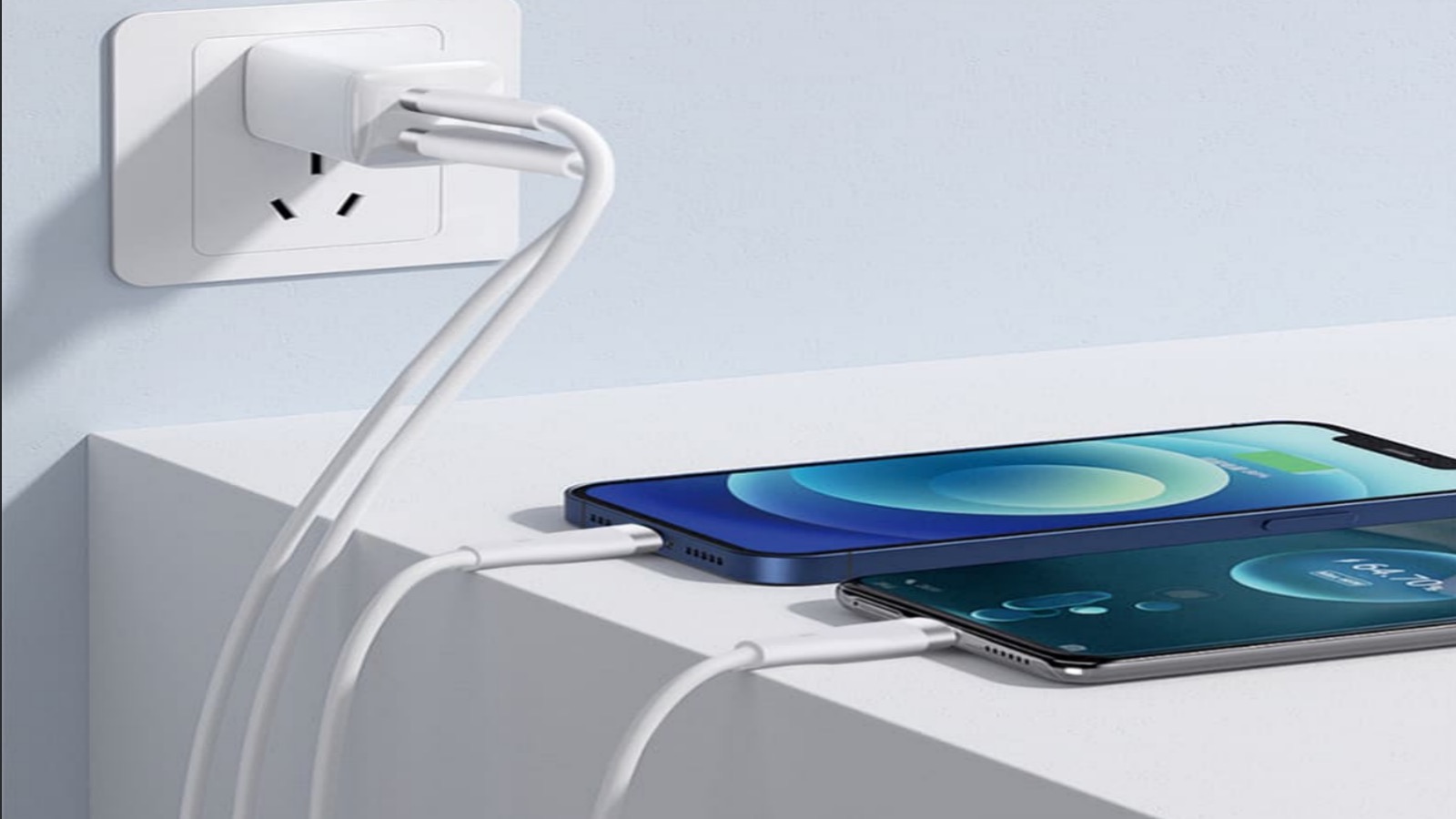
Real‑world limiters and fixes
- Hot room or sun: Phone throttles. Remove thick cases. Charge in shade.
- Weak extension/adapters: Loose contacts drop voltage and spark. Use certified strips and tight sockets.
- Dusty USB‑C port: Lint blocks contact. Clean gently with air or a soft brush.
- Apps running: High brightness and games consume power. Turn screen off or use airplane mode for a quick top‑up.
- Battery state: Above 80%, taper is normal. It protects the cell.
| Factor | Effect | Simple Fix |
|---|---|---|
| High ambient | Thermal throttle | Cool room, remove case |
| Loose outlet | Voltage drop | Quality strip, no daisy‑chain |
| Dirty port | Contact loss | Clean carefully |
| Heavy apps | Net draw up | Screen off/airplane |
| 80–100% SOC | Slow by design | Accept taper |
Are pure‑copper cables worth it over CCA?
Yes. CCA is cheaper, but the hidden costs are high. I have seen melted plugs and slow charge claims traced to CCA. The small savings died in returns.
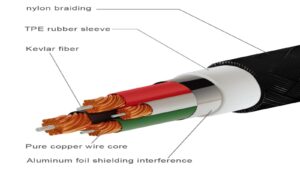
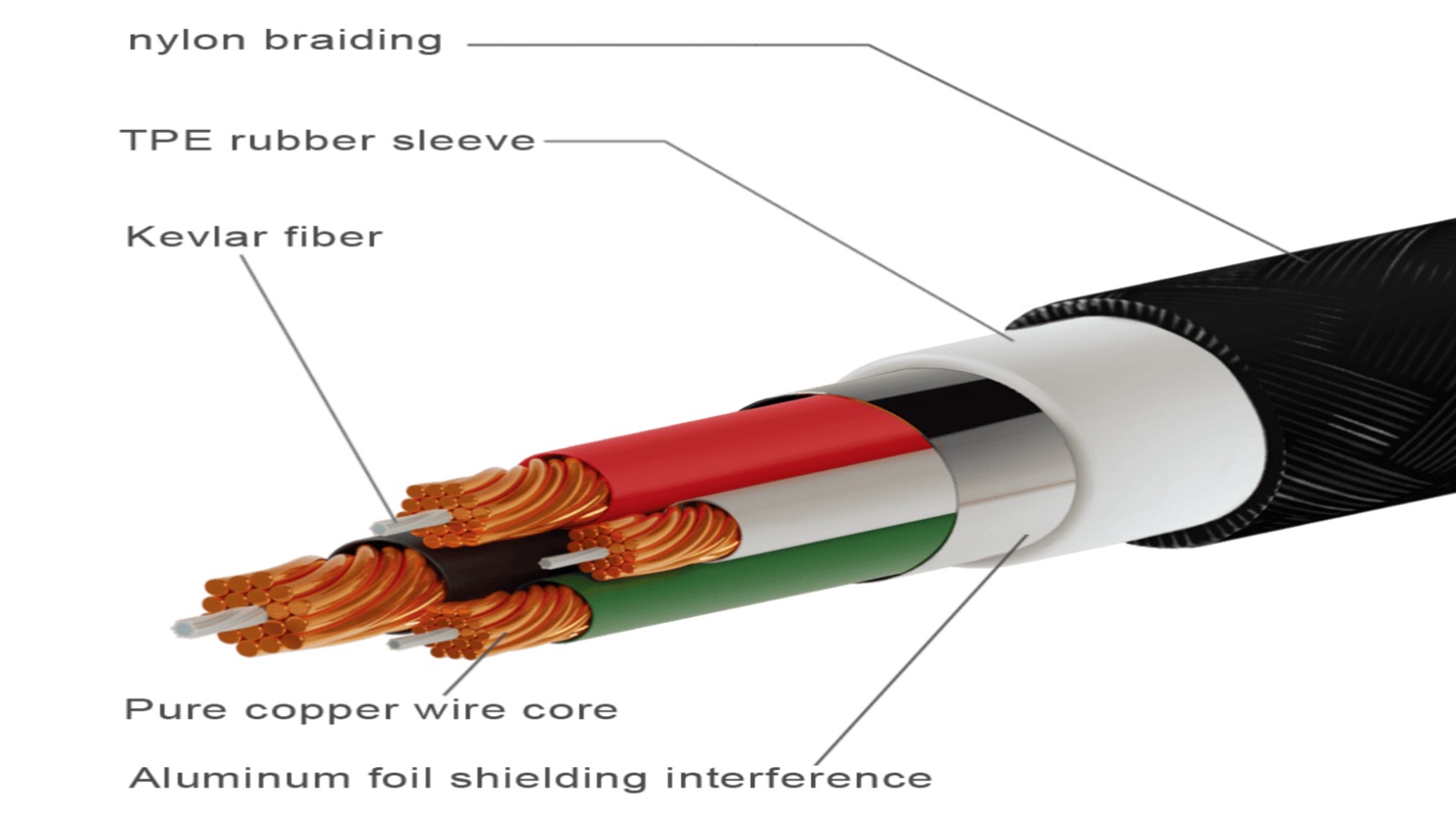
Pure copper runs cooler and wastes less energy. CCA overheats, sags voltage, and can harm ports. For safety and the environment, I only recommend pure‑copper cables.
<sup id=](https://idocharger.com/wp-content/uploads/2025/09/usb-port-burnt.jpg) 6 cables" title="pure copper vs CCA" />
6 cables" title="pure copper vs CCA" />
What my tests show
- At 3A, CCA shows a larger voltage drop per meter. Heat rises at the connector.
- At 5A, CCA can soften shells and deform strain reliefs. Ports suffer.
- Pure copper holds voltage, stays cooler, and lasts longer.
| Criterion | Pure Copper | CCA |
|---|---|---|
| Resistance | Low | High |
| Temperature rise | Low | High |
| Efficiency | High | Lower |
| Port stress | Low | Higher |
| Lifespan | Long | Short |
| Safety risk | Low | Higher |
How should I check safety features and quality before buying in bulk?
Good products show proof, not promises. I set this rule in every PO and in every audit. It keeps me safe in peak seasons.
Verify certifications, check QC logs, run AQL with function tests, and send samples to a lab. Open a cable to confirm pure copper. Read the E‑marker for 5A claims.
My buyer checklist
- Certificates: CB to IEC 62368‑1, CE/UKCA, FCC. Verify report numbers on lab sites. Photos and model must match.
- QC records: Ask for IQC sheets, Hi‑Pot logs, and aging logs for your lot. Failure rate during aging should be low and explained.
- Sampling: AQL II with added function, short aging, and safety spot checks. For big orders, send 5–10 units to a lab for quick validation.
- Cable proof: Cut one sample. Check strand color and count. Pure copper shows uniform copper shine inside. Read E‑marker values with a tester.
| Checkpoint | What I Need to See | Pass Signal |
|---|---|---|
| Certifications | Real reports + DoC | Valid and matched |
| Process | AOI/Hi‑Pot/aging | Logs + live demo |
| AQL | Function + safety | Within limits |
| Cable | Pure copper + E‑marker | Meets 3A/5A claims |
Conclusion
Match watts and protocols. Use pure‑copper cables with the right current rating and E‑marker. Verify protections and test in real environments. Audit suppliers with data, not words.
Learn how USB PD enhances charging speed and safety for iPhones. ↩
Discover how PPS technology optimizes charging for Samsung devices. ↩
Learn about this important feature that affects charger performance. ↩
Find out how 5A E-marker cables can improve charging efficiency. ↩
Understanding these safety features can help you choose safer chargers. ↩
Explore the pros and cons of copper versus CCA cables for charging. ↩